



Managing tech operations often means dealing with mismatched processes and repeated errors that frustrate teams and slow down delivery. Identifying which workflows need documented procedures is crucial for stability and consistency. By focusing on high impact processes and stakeholder involvement, operations managers in places like Silicon Valley or Berlin set a strong foundation for reliable SOPs that teams actually use. This approach leads to clear ownership, reduced confusion, and a practical roadmap for ongoing improvement.
Step 1: Identify Key Processes for SOP Development
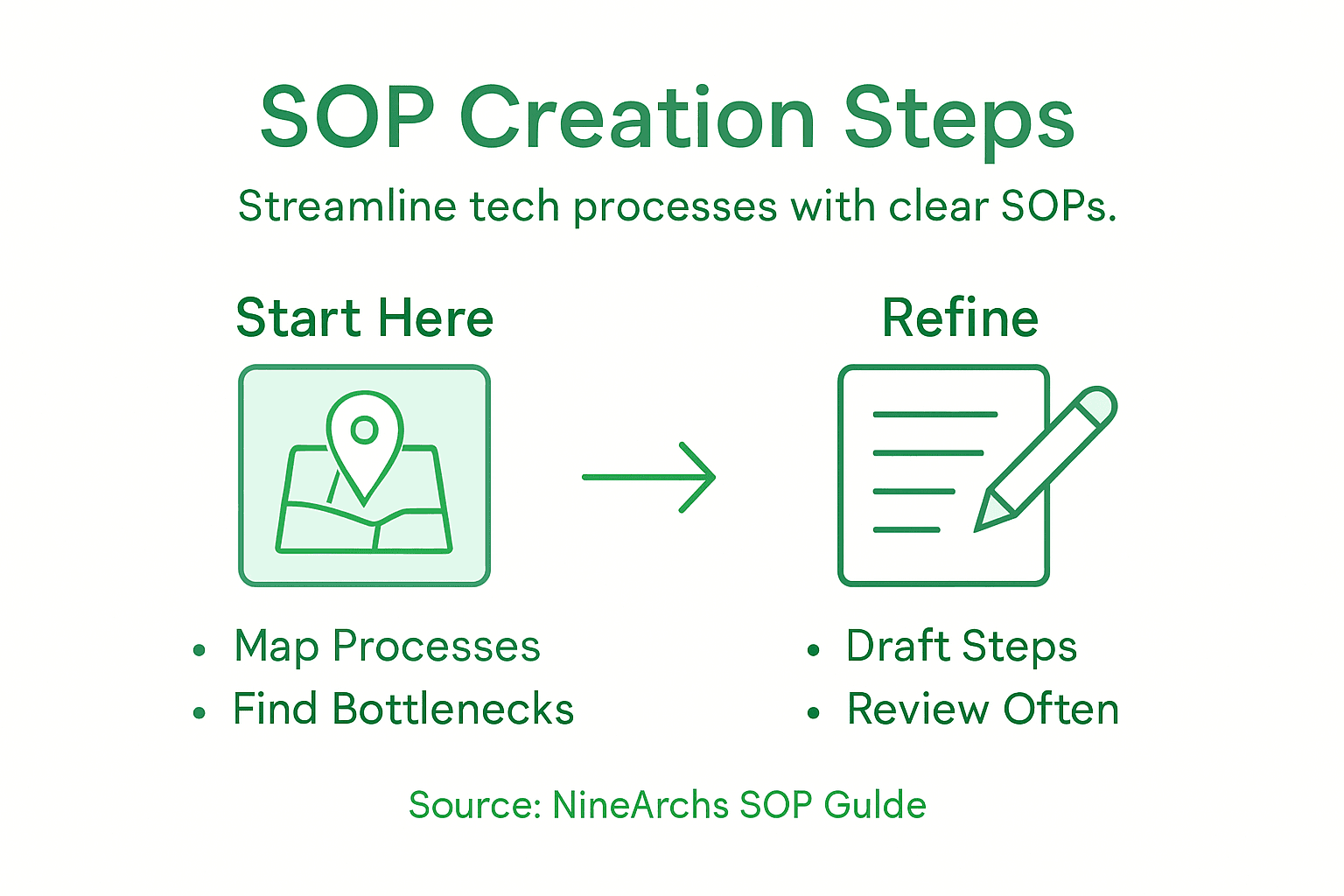
This first step sets the foundation for your entire SOP initiative. You’re determining which processes in your tech operations actually need standardized procedures, and it requires honest assessment of your current workflows before you start writing anything down.
Start by mapping out your existing processes exactly as they function right now. Don’t think about how you wish they worked or what you’ve read about best practices. Document what actually happens when a ticket comes in, how your team deploys code, how you handle customer onboarding, or whatever processes drive your operations. This current state assessment reveals where inconsistencies hide. You’ll likely discover that the same task gets done three different ways depending on who handles it or what day of the week it is. That variability signals a process that needs standardization.
Next, identify which processes create the most operational friction. Look for repeating bottlenecks, customer complaints, errors that keep happening, compliance issues, or knowledge gaps where only one person knows how to do something critical. If a senior engineer gets pulled into the same troubleshooting conversation repeatedly, that’s a process screaming for documentation. If your onboarding takes twice as long as it should because steps aren’t defined, that’s another candidate. Processes involving multiple teams or handoffs deserve extra attention because misalignment across departments compounds problems quickly. When defining your audience and clarifying roles, you’ll also uncover which processes have unclear ownership or where responsibilities overlap in confusing ways.
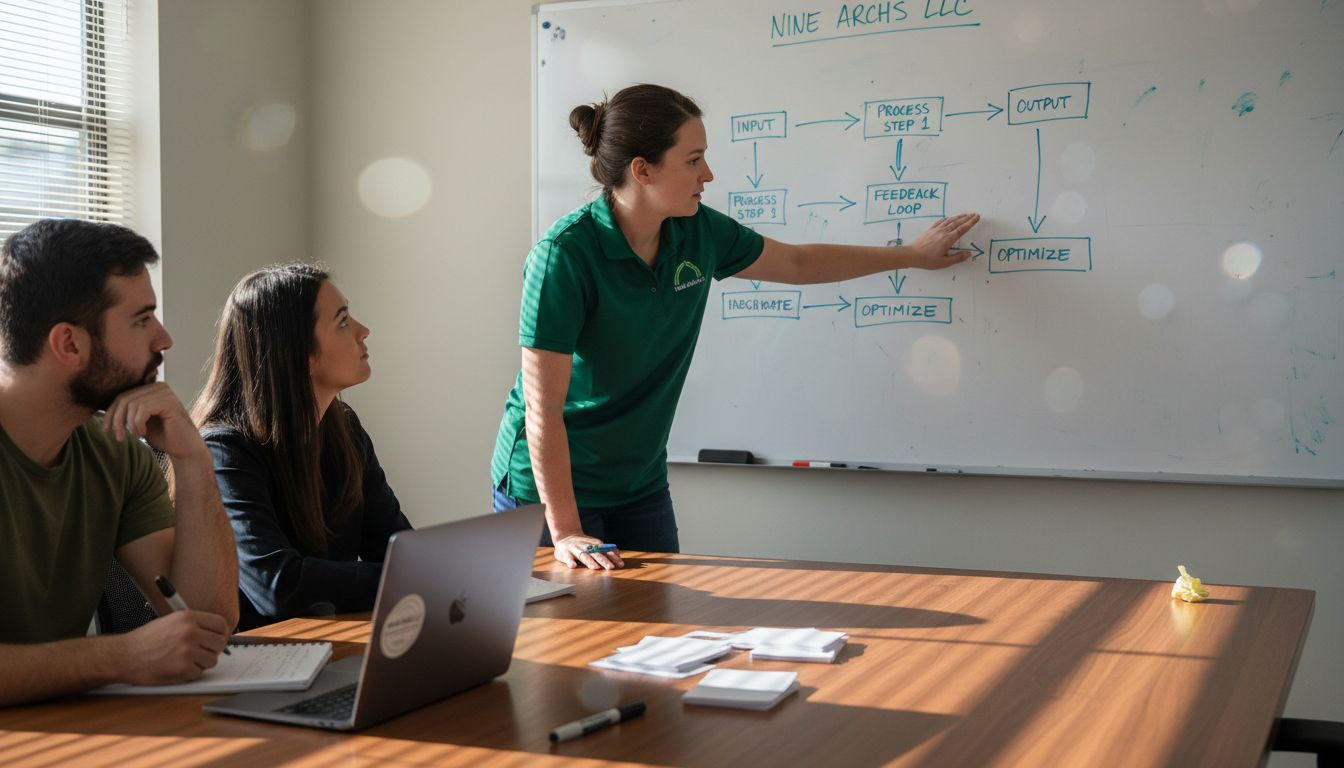
Involve your actual team members in this identification phase. Your operations managers, engineers, support staff, and customer-facing employees see problems you won’t catch from a desk. They know which tasks consume disproportionate time, which ones create customer frustration, and which ones vary most between team members. This input serves another purpose too. When people participate in identifying which processes need SOPs, they’re already invested in making those SOPs actually work. They understand why standardization matters because they experienced the pain points firsthand. Stakeholder involvement throughout this phase significantly increases the likelihood your team will actually follow the procedures once you document them.
Prioritize your list based on impact and complexity. High impact processes that directly affect customer experience or business continuity should come first. Complex processes that involve multiple steps, people, or systems need documentation more urgently because the risk of inconsistency is higher. Start with two or three critical processes rather than trying to document everything at once. You build momentum faster, learn what works for your documentation style, and can apply those lessons to subsequent SOPs. Many operations teams find that documenting business processes systematically reveals patterns that extend beyond the initial processes, making your overall approach more effective as you expand your SOP library.
Pro tip: Create a simple spreadsheet listing potential processes, rate them by impact (1 to 5), and mark which ones have documented procedures already. This gives you a clear visual of your SOP development roadmap and prevents you from accidentally duplicating existing documentation.
To help select and prioritize processes for SOP development, consider this framework:
| Assessment Criteria | Description | Example |
|---|---|---|
| Operational Impact | Does it affect business continuity? | Disaster recovery |
| Frequency | How often is the process performed? | Daily ticket intake |
| Complexity | Number of steps, teams, handoffs | Code deployment |
| Variability | How much does execution vary? | Customer onboarding |
| Risk/Consequences | Potential impact of mistakes | Data access control |
Step 2: Gather Essential Information and Stakeholders
Now that you’ve identified which processes need SOPs, you need to collect the actual information about how those processes work and get buy-in from the people who perform them daily. This step determines whether your SOPs will be accurate, practical, and actually used by your team.
Start by assembling your core SOP development team. You’ll need someone to lead and coordinate the effort, technical advisors who understand the processes deeply, and representatives from each role involved in executing the process. If you’re documenting a deployment procedure, that means your engineers, DevOps specialists, and potentially your QA team. If you’re standardizing customer onboarding, include your support staff, sales operations, and implementation team members. The people closest to the work see details that managers miss. They know about edge cases, workarounds, and the real time it takes to complete tasks (not the theoretical time). When you involve employees and experts who actually perform the tasks, the SOPs become practical and grounded in reality rather than idealized versions of how work should happen.
Conduct structured interviews and information gathering sessions with your stakeholders. Ask them to walk through the process step by step, not from memory but ideally while they’re actually doing the work or immediately after completing it. Ask specific questions about what happens before each step, what tools they use, what decisions they make along the way, and what can go wrong. Get them to explain not just what they do but why they do it that way. Sometimes the reasoning is functional, sometimes it’s historical, and sometimes you’ll uncover outdated steps that nobody questions anymore. Involve a team to manage SOP creation and ensure all aspects are covered accurately, including regulatory compliance requirements and quality checkpoints that might not be obvious to someone outside the process. Take detailed notes or record these sessions if people are comfortable with that.
Beyond individual interviews, create opportunities for cross-functional dialogue. Bring together people from different roles who touch the same process. A support engineer might discover that the way developers hand off issues could be much clearer. A finance team member might reveal compliance checks that operations overlooked. These conversations expose gaps between departments and build shared understanding of why standardization matters. Schedule a working session where people can see how their individual contributions fit into the larger workflow. This builds investment in the final SOP because people understand how their part connects to others’ work.
Document all the information you gather in one accessible place. Create a shared workspace or repository where interview notes, process diagrams, and decision logs live together. Make it clear who contributed what information so people feel ownership over the content. As you prepare to write the actual SOP in the next step, you’ll reference this collected information constantly. When disagreements arise about the correct way to do something, your stakeholder interviews provide the evidence to resolve them fairly.
Pro tip: Record the names and roles of each stakeholder you interview and have them review the SOP draft before finalization. People who see their input reflected in the final document are far more likely to follow it, and their review catches errors you might have introduced during the writing process.
Step 3: Draft Detailed and Actionable SOP Documents
This is where your research and stakeholder input transform into written procedures that your team can actually follow. Your goal is to create documents that are specific, clear, and immediately usable rather than vague guidelines that require interpretation.
Start by defining the objective and scope of each SOP before you write the procedures themselves. What problem does this SOP solve? What processes does it cover and what falls outside its boundaries? An SOP for incident response should specify whether it covers only production incidents or also includes staging environment issues. An onboarding SOP should clarify whether it covers just technical setup or includes access provisioning and policy training. Clear boundaries prevent confusion and reduce the back-and-forth when your team uses the document. Document the responsible persons for each step, identify specific timeframes for completion, and note any quality checkpoints or approval requirements. These details transform a vague instruction into an actionable task that someone can actually execute.
Write your step-by-step instructions using clear, simple language that avoids jargon whenever possible. Each step should have a single, specific action. Instead of “Configure the server,” write “Log into the management console using your administrator credentials, navigate to the Compute Instances section, select the new instance, and assign it the Production Security Group.” The specificity removes ambiguity. Include what tools or systems people need to access, what information they need beforehand, and what successful completion looks like. If a step could go wrong in a predictable way, note that too. For example, “If the deployment fails due to insufficient storage, clear the cache directory and retry.” This prevents people from getting stuck when minor issues occur. Supplement written instructions with visual aids when they add clarity. A screenshot showing where to click, a flowchart for decision points, or a diagram of system interactions can reduce confusion far more effectively than paragraphs of explanation.
Tailor the format and level of detail to match the complexity of the process. A simple password reset procedure might be a single page with five clear steps. A disaster recovery procedure might need multiple sections with decision trees, checklists, and contingency paths. Some processes benefit from process modeling standards like BPMN 2.0, which provides structured visual representation that technical teams understand quickly. Other processes work better as numbered lists or flowcharts. Ask yourself what format would help someone new to this process understand it fastest. As you draft, keep your stakeholders in the loop. Share drafts with the people who do the actual work and ask them if the instructions match reality. They’ll catch steps you forgot, technical inaccuracies, and places where your wording doesn’t match how they actually talk about the process.
Pro tip: Include a section at the top of each SOP listing the version number, last update date, and who maintains it. When you need to update the procedure, this makes it obvious which version is current and who to contact with questions, preventing confusion when multiple versions float around your organization.
Step 4: Implement SOPs Across Relevant Teams
Having a polished SOP document means nothing if your team never sees it or doesn’t understand how to use it. Implementation is where SOPs transition from theoretical procedures into daily operational reality, and it requires deliberate communication, training, and ongoing support.
Start with awareness and buy-in before you roll out the SOP. Your team needs to understand why this procedure exists and what problem it solves. Host a meeting or send clear communication explaining the purpose of the new SOP, what pain points it addresses, and how it benefits their workflow. When people understand that an SOP reduces repeat questions, prevents costly errors, or frees them from tedious manual steps, they’re far more likely to adopt it. Tie the SOP to business outcomes when possible. If it improves response time, show the target metrics. If it ensures compliance, explain the risks of non-compliance. People follow procedures they believe in, not just procedures that exist. Make training accessible and practical. Don’t just email the SOP and hope people read it. Schedule training sessions where you walk through the procedure step-by-step, answer questions, and let people practice in a safe environment. For remote or distributed teams, record the training so people can reference it later. During training, emphasize the checkpoints and quality criteria so people know how to verify they’ve completed each step correctly. Ask questions to confirm understanding rather than assuming everyone got it. Different teams may need different emphasis. Your customer support team needs to know which parts of the incident response SOP apply to them versus which parts require engineering involvement.
Post SOPs visibly where your teams actually work. This might mean printing key procedures and posting them at workstations, but more realistically it means making them accessible in your documentation system, wiki, or knowledge management platform. Make sure the SOP is easy to find and searchable. If someone needs the password reset procedure at 2 AM, they should be able to locate it in under a minute. Create a central repository where all SOPs live, clearly labeled with version numbers and last update dates. Include an index or search function so people can find what they need quickly. For critical procedures, consider creating quick reference cards or checklists that distill the essential steps into a one-page format people can print or bookmark.
Sops are living documents, not finished products. Collect feedback from the teams using the procedures and be ready to refine them. After implementation, ask what worked, what confused people, and what steps felt wrong or unnecessary. Your team will discover edge cases and real-world scenarios your drafting process missed. Schedule regular reviews of your SOPs to ensure they still match current processes. When your tech stack changes, your team structure shifts, or you discover more efficient ways to do things, update the procedures accordingly. Communicate changes to your teams so they’re aware of the updated approach. This continuous improvement cycle transforms SOPs from static documents into tools that actually evolve with your operation.
Pro tip: Assign an SOP owner for each procedure who handles updates, answers questions, and gathers feedback from users. This person becomes the go-to expert and ensures the SOP stays current without the burden falling on leadership to maintain everything.
Here’s a summary of common SOP pitfalls and strategies for overcoming them:
| Pitfall | Impact on Operations | Strategy to Overcome |
|---|---|---|
| Inconsistent Process Execution | Increased errors, confusion | Map actual workflows; involve team |
| Lack of Stakeholder Buy-In | Poor SOP adoption | Engage users early and review SOPs |
| Outdated Documentation | Non-compliance, inefficiency | Schedule regular reviews, updates |
| Ambiguous Instructions | Mistakes, wasted time | Use clear, specific language |
| Siloed Documentation | Missed handoffs, misalignment | Enable cross-functional feedback |
Step 5: Review and Update SOPs for Ongoing Improvement
The work doesn’t end when you launch your SOPs. Real operational value comes from treating them as living documents that evolve with your business, technology, and team capabilities. Regular reviews and updates keep your SOPs relevant, accurate, and actually useful rather than becoming outdated references gathering digital dust.
Establish a regular review schedule for your SOPs. Most organizations benefit from reviewing SOPs every 6 to 12 months, though the exact timeline depends on how quickly your processes change. If you’re in a fast-moving tech environment where tools and workflows shift frequently, quarterly reviews might make sense. If your core processes are stable, annual reviews suffice. Mark these reviews on your calendar and assign them to your SOP owners so they happen consistently rather than randomly when someone remembers. Beyond scheduled reviews, trigger updates whenever significant process changes occur. When you migrate to new infrastructure, adopt different tools, change your team structure, or discover more efficient workflows, update the affected SOPs immediately. Don’t wait for the next scheduled review to capture important changes. Your team is already experiencing the new reality, so your documentation should reflect it too.
Gather ongoing feedback from the people actually using your SOPs. Your SOP owner should maintain open channels for questions and suggestions from users. Include a feedback mechanism in your SOP document itself, whether that’s an email address to contact, a comment section, or a form to submit improvements. When someone struggles with a step, asks a clarifying question, or suggests a better approach, that’s valuable input for updating the procedure. Track common questions your team asks about SOPs because they often reveal confusing sections that need clarification. Pay attention to workarounds your team develops too. If people consistently skip steps or do things in a different order, your SOP probably doesn’t match reality and needs revision. When you update an SOP based on user feedback, communicate the change to your team so they understand what’s different and why. This reinforces that their input matters and encourages continued engagement with the procedures.
Monitor whether your SOPs are actually improving operations. Track metrics like time to complete key processes, error rates, compliance violations, or customer satisfaction in areas covered by your SOPs. If these metrics aren’t improving after implementation, your SOP either isn’t being followed or needs refinement. Sometimes an SOP fails because the process is genuinely unclear. Sometimes it fails because adoption is poor. Both situations require different responses. If adoption is the problem, focus on communication and training. If the process itself is unclear, invest in revision and simplification. Additionally, review your SOPs for compliance with any regulatory requirements or industry standards that apply to your organization. Technology changes, regulations evolve, and what worked two years ago might violate current standards. Incorporating continuous improvement practices means asking regularly whether your procedures still serve your operation’s needs and making adjustments accordingly. This mindset prevents SOPs from becoming bureaucratic obstacles and instead keeps them as operational tools that add genuine value.
Pro tip: Create a simple change log at the beginning of each SOP documenting what changed in each version, when it changed, and why. This helps new team members understand the history of the procedure and prevents confusion when people reference outdated versions.
Enhance Your SOP Development with Expert Remote Workforce Solutions
Creating clear and actionable SOPs is crucial to reducing operational friction and ensuring consistency across your tech teams. If you find yourself struggling with inconsistent process execution, lack of stakeholder buy-in, or the challenge of keeping documentation up to date as outlined in the article, you are not alone. Many organizations face these hurdles while trying to standardize workflows and improve team collaboration.
At NineArchs LLC, we specialize in providing customized outsourcing solutions including business process outsourcing, virtual assistance, and software development that seamlessly support your SOP initiatives. Our remote workforce experts can help you systematically document complex procedures and provide flexible support to maintain them so your teams stay aligned and efficient. By partnering with us, you can streamline your operations, mitigate costly errors, and scale with confidence in today’s fast-paced tech environment.
Ready to take your SOPs from theory to practice with professional backing? Discover how our specialized services can free your team to focus on core business growth while we ensure your processes stay sharp and actionable. Contact us today to build scalable, reliable SOP frameworks tailored for your needs by visiting NineArchs Contact. Learn more about how our business process outsourcing and virtual assistance solutions can drive your operational excellence now.
Frequently Asked Questions
What are the key steps to create Standard Operating Procedures (SOPs) for tech operations?
To create SOPs, identify key processes needing documentation, gather information from stakeholders, draft the procedures, implement them, and regularly review for updates. Start by mapping your current workflows to ensure you’re capturing actual practices rather than ideal scenarios.
How can I involve my team in the SOP development process?
Involve your team by conducting interviews and workshops to gather insights into their daily processes. Encourage them to share pain points and suggestions, which will increase their investment in following the SOPs once developed.
How do I prioritize which processes need SOPs first?
Prioritize by evaluating the operational impact, complexity, and frequency of each process. Focus on those that directly affect customer experience or involve multiple teams, starting with the most impactful ones to create an effective SOP library.
What should I include in my SOP documents to ensure clarity?
Include clear, step-by-step instructions that specify actions, tools, and expected outcomes. Use simple language and visuals where necessary to enhance understanding and prevent ambiguity in task execution.
How can I ensure my team adopts the new SOPs?
To ensure adoption, communicate the purpose of the SOPs and conduct training sessions that walk through the procedures step-by-step. Make the SOPs easily accessible and visibly posted, so team members can reference them quickly and efficiently.
What is the importance of regularly updating SOPs for tech operations?
Regular updates ensure that your SOPs remain accurate and useful as processes, tools, and technologies change over time. Establish a review schedule and gather ongoing feedback from users to keep your documentation relevant and improve operational efficiency.