
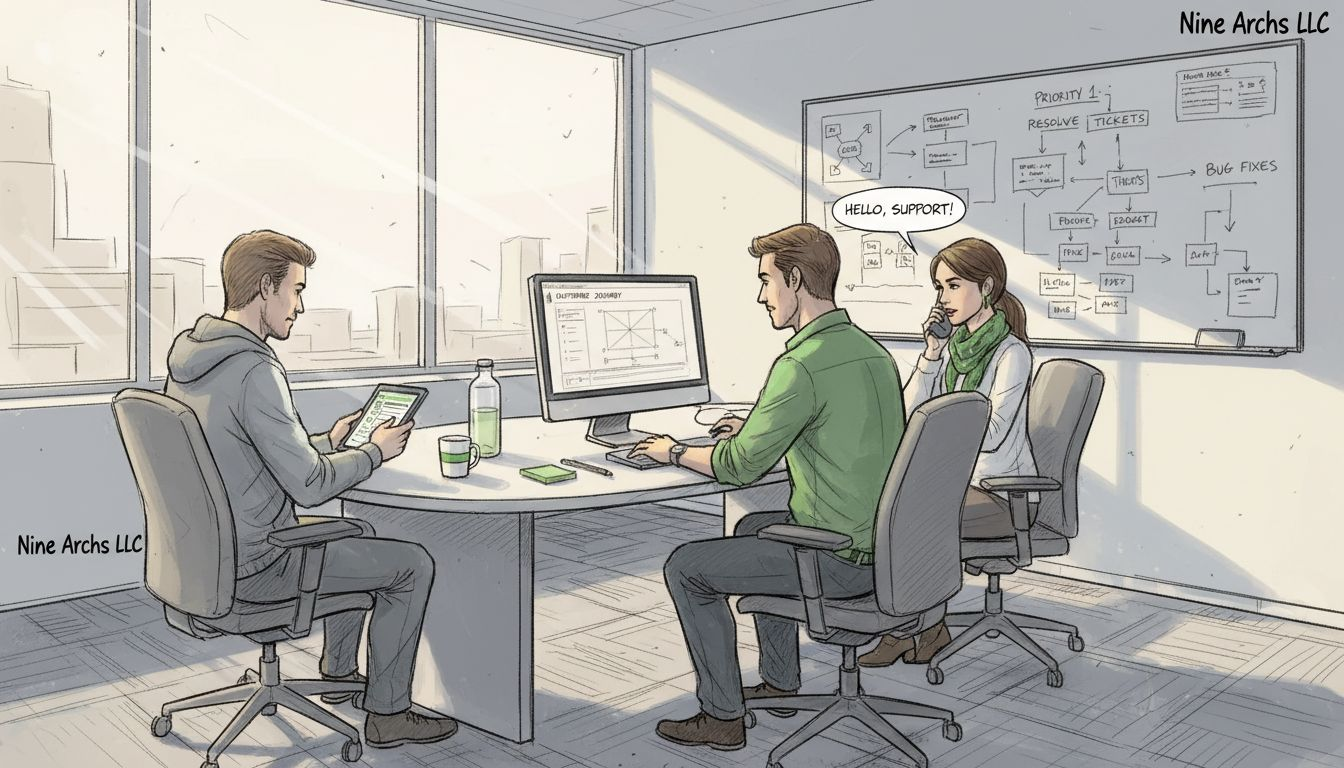
Over eighty percent of American businesses say their efficiency depends on dependable support desks for both technical and customer needs. From the IT helpdesk that saves the day when systems are down to modern self-service portals that put answers at your fingertips, having the right support in place shapes productivity and client satisfaction. Understanding how each type of support desk works gives companies the insight they need to deliver smooth, reliable service every step of the way.
1. Traditional IT Helpdesk for Technical Issues
A traditional IT helpdesk serves as the critical first line of technical support for businesses, addressing computer system challenges and user inquiries with precision and speed. These dedicated support centers function as centralized resources designed to troubleshoot, resolve, and manage technological problems across organizational infrastructure.
Businesses rely on traditional IT helpdesks to maintain operational continuity by providing immediate assistance for technical issues ranging from hardware malfunctions to software configuration challenges. By implementing a structured IT helpdesk support system, companies can systematically track, prioritize, and resolve technical problems that could potentially disrupt workflow and productivity.
The core functions of a traditional IT helpdesk include diagnosing software and hardware problems, managing user account access, resetting passwords, addressing network connectivity issues, and providing remote troubleshooting support. Support teams typically utilize advanced ticketing systems that enable them to log, categorize, and track technical requests with remarkable efficiency.
Small and large organizations benefit from these helpdesks by reducing downtime, minimizing productivity losses, and ensuring that employees can quickly resolve technical obstacles. The helpdesk acts as a centralized point of contact, filtering and escalating technical issues to specialized technicians who can provide comprehensive solutions.
Pro Tip: Implement a tiered support structure where basic issues get resolved quickly at the first level, while more complex technical challenges are seamlessly escalated to specialized technical experts for in depth resolution.
2. Customer Service Desk for Client Inquiries
A customer service desk represents the critical communication hub where businesses interact directly with their clients, addressing inquiries, resolving problems, and maintaining positive relationships through structured and empathetic support. These dedicated support centers serve as the primary interface between organizations and their customers.
Customer service desks function as comprehensive communication platforms designed to manage client interactions across multiple channels including phone, email, live chat, and social media platforms. Organizations leverage these desks to track customer interactions systematically and provide consistent, high quality support that meets professional standards and customer expectations.
The primary objectives of a customer service desk include responding to client questions, processing service requests, managing complaints, providing product information, and ensuring customer satisfaction. Effective customer service desks utilize advanced technologies and communication strategies to deliver prompt and accurate responses that address client needs efficiently.
Modern customer service desks integrate data mining techniques and knowledge management systems to analyze customer interaction patterns. This approach allows businesses to understand client preferences, anticipate potential issues, and develop more personalized support strategies that enhance overall customer experience and loyalty.
Pro Tip: Implement a comprehensive training program that focuses on both technical problem solving skills and emotional intelligence to help customer service representatives handle complex client interactions with professionalism and empathy.
3. Remote Desktop Support for Instant Solutions
Remote desktop support represents a cutting edge technological approach that enables IT professionals to provide immediate technical assistance by virtually accessing and controlling users computer systems from a distant location. This innovative support method eliminates geographical barriers and delivers rapid problem resolution without requiring physical presence.
Businesses increasingly rely on remote support delegation strategies to minimize downtime and provide quick technological interventions. Through secure remote access software, support technicians can diagnose, troubleshoot, and resolve complex technical issues in real time, offering comprehensive solutions that range from software configuration to system performance optimization.
The primary advantages of remote desktop support include significantly reduced response times, lower operational costs, and enhanced flexibility for both support teams and end users. Technicians can seamlessly connect to user systems, view screens, control interfaces, and implement fixes without requiring users to transport equipment or wait for onsite technical personnel.
Modern remote desktop support platforms integrate advanced security protocols to ensure data protection and maintain user privacy during support sessions. These systems typically require explicit user consent, generate detailed activity logs, and use encrypted connections to prevent unauthorized access or potential security breaches.
Pro Tip: Always establish clear user authentication protocols and obtain explicit permission before initiating any remote desktop support session to maintain professional standards and protect user confidentiality.
4. Knowledge Base and Self-Service Portals
Knowledge base and self-service portals represent innovative support platforms that empower users to find solutions independently without direct human intervention. These digital repositories provide comprehensive information, troubleshooting guides, frequently asked questions, and step-by-step instructions that enable customers and employees to resolve issues quickly and efficiently.
Businesses implement comprehensive knowledge management systems to reduce support team workload while simultaneously improving user experience. By creating centralized information databases, organizations can standardize problem solving approaches, reduce response times, and provide 247 access to critical information across multiple devices and platforms.
Self-service portals typically include searchable article libraries, interactive troubleshooting workflows, video tutorials, community forums, and user generated content that collectively create a robust support ecosystem. These platforms leverage artificial intelligence and machine learning technologies to suggest relevant articles based on user search patterns and previous interactions, continuously improving the accuracy and usefulness of available resources.
The primary advantages of knowledge base systems include reduced support costs, increased user satisfaction, consistent information delivery, and enhanced operational efficiency. By enabling users to find answers independently, businesses can allocate support resources more strategically and focus on resolving more complex technical challenges that require human expertise.
Pro Tip: Regularly update and maintain your knowledge base content by analyzing user search patterns, tracking frequently accessed articles, and incorporating feedback from support teams to ensure ongoing relevance and accuracy.
5. Multichannel Support Desk Integration
Multichannel support desk integration represents a sophisticated approach to customer service that enables businesses to provide seamless communication across multiple platforms and communication channels. This comprehensive strategy allows organizations to manage customer interactions consistently whether they originate from email, phone, social media, live chat, or mobile applications.
Businesses can optimize customer interaction management by implementing integrated support systems that centralize and track communications across different platforms. These advanced systems enable support teams to maintain a unified view of customer interactions, ensuring that no inquiry falls through the gaps and that each customer receives prompt and consistent assistance.
The core benefit of multichannel support integration lies in its ability to provide customers with flexible communication options while maintaining high quality service standards. By consolidating communication channels into a single platform, organizations can reduce response times, improve tracking accuracy, and deliver a more personalized customer experience that adapts to individual user preferences.
Modern multichannel support platforms utilize sophisticated data mining and clustering techniques to analyze communication patterns, helping businesses understand user preferences and optimize their support strategies. These intelligent systems can route inquiries to the most appropriate support representative, predict potential issues, and provide contextual information that enhances the overall customer service experience.
Pro Tip: Implement a comprehensive training program that helps support representatives understand how to maintain consistent communication tone and quality across different communication channels while leveraging the unique strengths of each platform.
6. Proactive Monitoring and Incident Management
Proactive monitoring and incident management represent sophisticated technological strategies that enable businesses to anticipate, detect, and resolve potential system issues before they escalate into critical problems. This approach transforms traditional reactive support models by implementing continuous surveillance of technological infrastructure and organizational systems.
Businesses can optimize their incident resolution strategies through comprehensive monitoring platforms that track system performance, network health, and potential vulnerabilities in real time. These advanced systems utilize automated alerts, predictive analytics, and intelligent diagnostic tools to identify potential disruptions before they impact operational capabilities.
The core objectives of proactive monitoring include minimizing system downtime, preventing potential security breaches, optimizing performance, and reducing overall technological risk. By implementing continuous monitoring protocols, organizations can create a robust early warning system that provides detailed insights into system behaviors, potential anomalies, and emerging technological challenges.
Modern incident management platforms integrate machine learning algorithms and advanced data analytics to create intelligent monitoring ecosystems. These systems can automatically categorize incidents, prioritize responses, and generate comprehensive reports that help technology teams make informed decisions about system maintenance and potential improvements.
Pro Tip: Develop a standardized incident response framework that defines clear escalation protocols, assigns specific responsibilities to team members, and establishes precise communication channels for managing technological disruptions.
7. Outsourced Support Desk for Scalability
Outsourced support desk services represent a strategic approach that enables businesses to access specialized technological expertise while maintaining operational flexibility and managing costs effectively. These external support teams provide comprehensive technical assistance without requiring significant internal infrastructure investments.
Businesses can optimize their support strategies through targeted outsourcing by leveraging global talent pools that offer round the clock service capabilities. Outsourced support desks enable organizations to scale their technical support operations rapidly, accessing specialized skills and technological resources without the complexities of building and maintaining an internal team.
The primary advantages of outsourced support desks include reduced operational expenses, access to global talent, enhanced service availability, and the ability to quickly adjust support capacity based on organizational needs. These external teams typically offer multilingual support, advanced technological expertise, and sophisticated infrastructure that can be challenging for individual organizations to develop independently.
Modern outsourced support desks utilize advanced technologies including artificial intelligence, machine learning, and comprehensive ticketing systems to provide seamless, efficient, and high quality technical support. By implementing rigorous training protocols and maintaining strict quality control standards, these external teams can deliver performance levels that match or exceed internal support capabilities.
Pro Tip: Conduct thorough due diligence when selecting an outsourced support partner, focusing on their technological capabilities, quality assurance processes, data security protocols, and ability to align with your specific organizational requirements.
Below is a comprehensive table summarizing the main topics, strategies, and benefits discussed in the article about various support systems and services.
| Support Type | Description | Benefits |
|---|---|---|
| Traditional IT Helpdesk | Centralized resource for troubleshooting and managing technical issues. | Reduces downtime, minimizes productivity loss, improves operational continuity. |
| Customer Service Desk | Manages client interactions across multiple channels. | Enhances customer satisfaction, maintains positive relationships, ensures high-quality support. |
| Remote Desktop Support | Offers immediate technical assistance by accessing users’ systems remotely. | Reduces response times, lowers operational costs, increases flexibility. |
| Knowledge Base & Self-Service Portals | Empowers users to find solutions independently through digital repositories. | Reduces support costs, improves user satisfaction, provides 24/7 access. |
| Multichannel Support Desk | Integration of various communication platforms for seamless customer service. | Reduces response times, improves tracking accuracy, personalizes customer experience. |
| Proactive Monitoring & Incident Management | Uses continuous surveillance to anticipate and resolve issues. | Minimizes downtime, prevents security breaches, optimizes performance. |
| Outsourced Support Desk | Provides specialized technical assistance externally. | Reduces expenses, offers scalable support, accesses global talent pools. |
Elevate Your Business Support with Tailored Outsourcing Solutions
Managing diverse support desk services can present numerous challenges such as maintaining fast response times, providing consistent multichannel customer interactions, and implementing proactive monitoring to minimize downtime. These pain points often lead to lost productivity, customer dissatisfaction, and strained internal resources. The “7 Essential Types of Support Desk Services for Businesses” highlights crucial concepts like tiered IT helpdesk support, remote desktop assistance, knowledge base self-service portals, and scalable outsourced support desks.
NineArchs LLC specializes in meeting these exact challenges by delivering professional, reliable, and scalable outsourcing solutions. Our expertise includes virtual assistance, business process outsourcing, and customized software development designed to streamline your technical and customer service support. We empower your organization to reduce operational costs while improving efficiency and customer satisfaction through access to global talent and innovative technology.
Unlock the potential of effective support desk management and let your business thrive without the stress of managing complex technical functions internally. Connect with our team today to explore how our tailored outsourcing services can address your unique support needs.
Optimize your support strategy now by visiting NineArchs Contact to start a conversation with experts who understand your challenges. Explore how business process outsourcing solutions can transform your customer service and tech support. Ready to reduce downtime and boost productivity with proven remote workforce expertise Visit NineArchs Contact today.
Frequently Asked Questions
What is a traditional IT helpdesk and how does it benefit my business?
A traditional IT helpdesk is a centralized support system that addresses technical issues like hardware malfunctions and software configuration challenges. Implementing this service can reduce downtime and maintain productivity, ensuring quick resolution of critical problems.
How can a customer service desk improve my company’s client interactions?
A customer service desk acts as the primary communication hub for addressing client inquiries and resolving issues. By integrating streamlined processes, your business can enhance customer satisfaction and maintain positive relationships with clients, leading to increased loyalty.
What are the advantages of remote desktop support?
Remote desktop support allows IT professionals to assist users virtually, diagnosing and fixing technical problems without needing to be onsite. This approach not only reduces response times but also lowers operational costs, making it a flexible solution for immediate assistance.
How does a knowledge base and self-service portal help users?
A knowledge base and self-service portal empower users to find solutions independently, providing access to troubleshooting guides and FAQ content. By implementing this system, organizations can reduce support costs and improve user satisfaction, allowing teams to focus on more complex issues.
What is multichannel support desk integration and why is it essential?
Multichannel support desk integration enables consistent communication across various platforms like email, phone, and live chat. This integration fosters a unified customer experience and ensures no inquiries are missed, leading to faster resolution times for clients.
How can outsourcing my support desk aid in scalability?
Outsourced support desks provide access to specialized expertise without the need for significant internal infrastructure investments. By leveraging these external teams, you can quickly adjust support capacity based on your changing organizational needs, improving overall efficiency.



[…] cost centers, they actually function as critical infrastructure for scalable business performance. Efficient support desk services transform customer interactions from transactional exchanges into opportunities for strategic […]